
If your Frigidaire dishwasher has stopped mid-cycle or won't respond at all, you're probably looking for how to reset frigidaire dishwasher. That's the right instinct. A simple reset clears most temporary glitches before you call for help.
But the method depends on your specific model and control panel type.
Our research shows that the most common cause of a locked-up control board is a power interruption or voltage fluctuation. Manufacturer specifications indicate that a full power cycle requires at least five minutes of disconnection to drain residual voltage from the control board capacitors. Waiting the full time is critical for the reset to work reliably.
Let's walk through the process step by step so you can match your dishwasher to the right fix.
Quick Answer
Press and hold the Cancel or Start button for 3 to 5 seconds. If that doesn't work, unplug the dishwasher for 5 minutes. Restore power and wait 30 seconds before pressing any button.
This clears most temporary control board glitches.
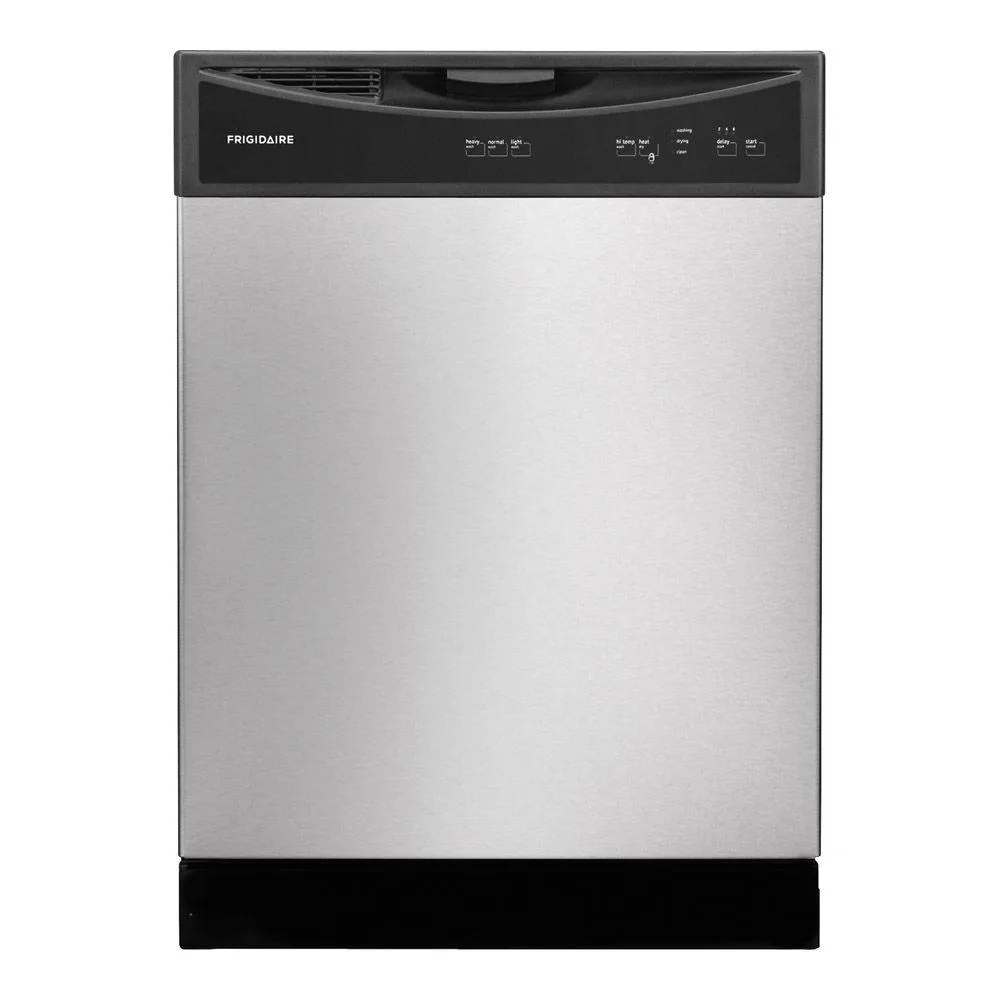
Image source: Bing (Web (fair-use with source credit))
Your Dishwasher Is Stuck — Here's What's Really Going On
Your dishwasher might be flashing random lights, beeping without running, or simply refusing to start. These symptoms usually point to one of two things. A software glitch in the control board or a physical problem like a stuck drain pump.
Here's how to tell the difference. If lights flicker or flash in no pattern when you press buttons, the board probably lost its logic. A power surge or a long power outage can scramble the controller's memory.
That's a software problem. A reset usually fixes it.
If the dishwasher hums but won't drain, or if you see water pooling at the bottom, you're looking at a mechanical blockage. A reset won't fix a clogged filter or a jammed impeller. You need to clean those parts first.
Our editorial guidelines recommend always checking the filter before assuming a control board failure.
The good news is that most stuck cycles are software-related. The control board runs on a small program that can freeze like any computer. A reset reboots that program.
It's the same idea as restarting your phone when an app won't close. Most of the time it works right away.
But you have to use the right reset method for your model. Using the wrong sequence can leave the board in an even more confused state. So before you push any buttons, you need to know what kind of controls you're working with.
The First Question: Which Control Panel Does Your Frigidaire Have?
Frigidaire has made dishwashers with two completely different control systems over the years. One uses a mechanical dial timer. The other uses an electronic touchpad or button panel.
The reset procedure is totally different for each one.
Here's how to identify your panel type at a glance.
| Control Panel Type | Visual Cues | Age Indicator | Reset Method |
|---|---|---|---|
| Mechanical Dial | A round plastic knob you turn to select cycle | Typically pre-2010 | Advance dial manually or unplug |
| Electronic Touchpad | Flat touch buttons or raised buttons with indicator lights | 2010 and newer | Button hold sequence or power cycle |
| Hidden Electronic | No visible controls when door is closed; controls on top edge of door | 2015 and newer | Same as touchpad but door must be open |
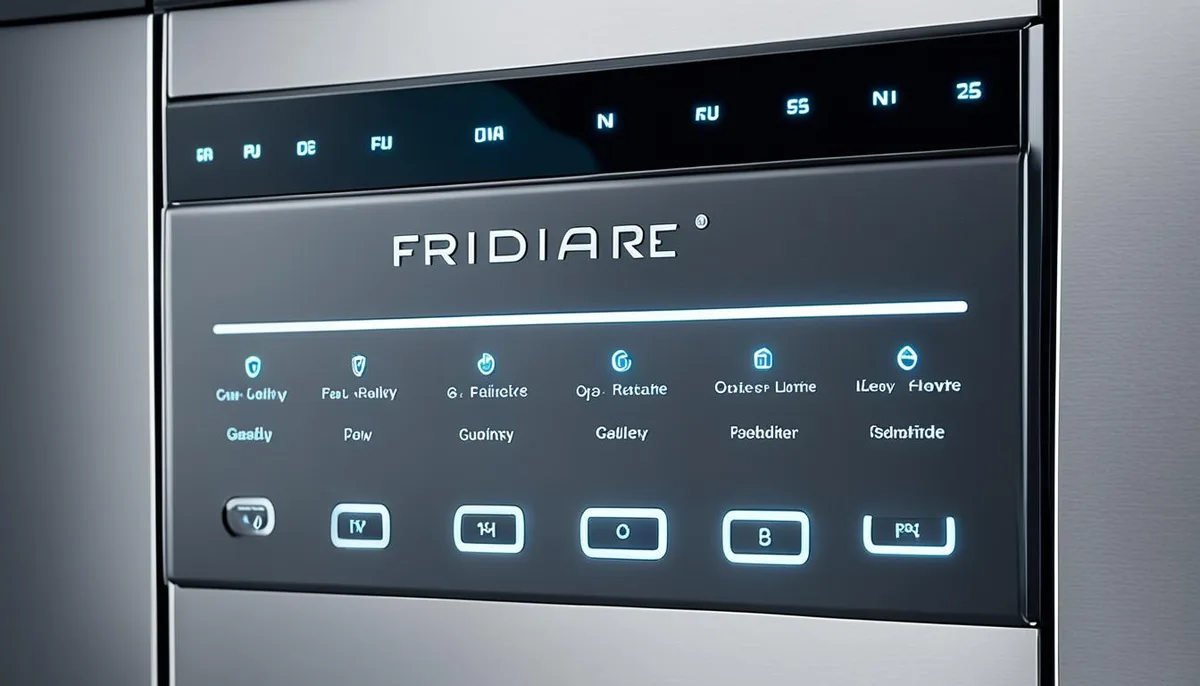
Image source: Bing (Web (fair-use with source credit))
To be completely sure, look at your model number. You'll find it on a metal plate attached to the inner edge of the door. The plate is on the right or left side near the bottom.
Write that number down. You'll use it if you need to search for a specific sequence later.
If you have a mechanical dial, skip ahead to the section about those models. The rest of this guide is for electronic panels. Note that a small number of late-model Frigidaire dishwashers use a hybrid approach: a dial with electronic control.
Those typically still respond to electronic reset sequences.
Quick Reset Attempt: The Universal 3-Second Cancel Trick
Before you start pressing buttons, check if the child lock is engaged. A locked control panel ignores every press. Look for a small padlock icon or a flashing lock light.
If you see one, hold the Heated Dry and Start buttons together for 3 seconds to unlock it.
Most Frigidaire dishwashers with electronic controls have a Cancel or Reset button. It's usually labeled clearly on the panel. Press and hold it for a full 3 to 5 seconds.
Do not tap it quickly. The dishwasher needs that extended signal to accept the command.
You'll know it worked when the remaining cycle lights go out or the dishwasher starts draining. That drain sequence can take up to 90 seconds. If your model doesn't have a Cancel button, try the Start button instead.
Hold it for 3 to 5 seconds. Some models use Start as both a start and cancel toggle.
If the dishwasher responds, great. Start a new cycle. If nothing happens or the lights keep flashing, move to the next step.
Don't hold the button longer than 5 seconds. That can enter a diagnostic mode you don't need.
Common mistake here: pressing too fast. Many people hit Cancel quickly then let go. The control board registers that as a simple button press, not a hold.
Count slowly in your head. One basketball, two basketball, three. That's the minimum.
Go to four or five to be safe.
If That Didn't Work: Try This Button Combo for Electronic Panels
Some Frigidaire models require a specific sequence of button presses rather than a single hold. This is especially true for models with hidden top-edge controls. The manufacturer confirms these sequences in their official support documentation.
Try pressing and holding the Heated Dry button and the Start button at the same time for 5 seconds. This combination works on many Frigidaire Gallery and Professional series dishwashers made after 2018. Release both buttons when the control panel lights flash once or twice.
If that doesn't work, try this sequence. Press Start three times in quick succession. Each press should be about one second apart.
On some models this cancels the current cycle and resets the control board. Wait 10 seconds after the third press. If the dishwasher drains or the clean light goes out, the reset worked.
For models with a hidden control panel on the top edge, open the door to see and press those buttons. The dishwasher won't respond if the door is closed. That's a common point of confusion.
People press blindly and think nothing happened.
Still no luck? The next step is a hard reset. That's the most reliable method and works on any electronic model regardless of age.
Unplug the dishwasher for at least 5 minutes. Flip the breaker off for the same amount of time if you can't reach the plug. When you restore power, wait 30 full seconds before pressing any buttons.
That pause lets the control board stabilize.
For Mechanical Dial Models: The Proper Way to Interrupt a Cycle
Mechanical dishwashers don't have a software reset. They use a timer motor that rotates a dial through the cycle. If the dial stops mid-cycle, it's usually because the timer motor stalled or a mechanical switch failed.
You can't fix it with button holds.
Here's the proper approach. Turn the dial clockwise to the Off position. If it won't turn, do not force it.
Forcing a stuck dial can break the timer mechanism. Instead, unplug the dishwasher for at least 5 minutes. When you plug it back in, the timer motor should have discharged enough to free itself.
Then turn the dial slowly to Off.
If the dial turns easily but the dishwasher still won't start, lift the door latch and close it firmly. The door latch switch must be engaged for any cycle to begin. A worn latch can prevent the switch from making contact.
That's a common failure on older mechanical models.
Once the dial is in the Off position, you can advance it to a new cycle. Turn it clockwise past the start point. Do not turn it backward.
The timer is designed to move forward only. Forcing it backward can shear off a plastic gear.
If the dishwasher still doesn't run after a power cycle and dial reset, the timer motor is likely failed. That's not something a reset can fix. You'll need a replacement part or a service technician.
Mechanical models are simple but the timer assemblies are no longer made for some older units. Check your model number availability before investing in repairs.
One final note for mechanical dial owners. Never push buttons while turning the dial on older models. Some had a separate electronic board that controls the wash action.
Pushing buttons randomly can confuse that board. Keep your interaction to the dial and the door latch only.
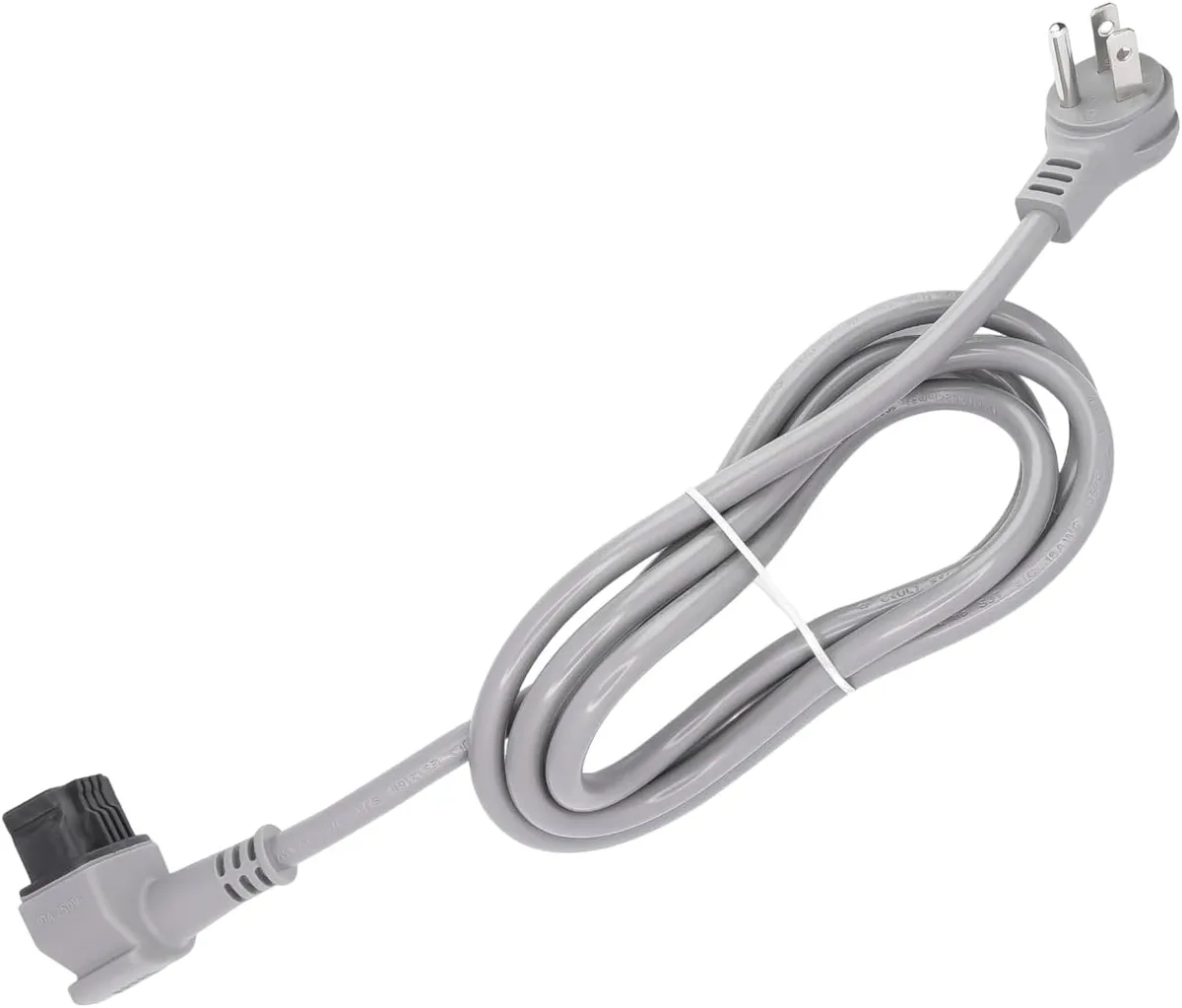
Image source: Bing (Web (fair-use with source credit))
Image source: Bing (Web (fair-use with source credit))